Remix Project
Preview
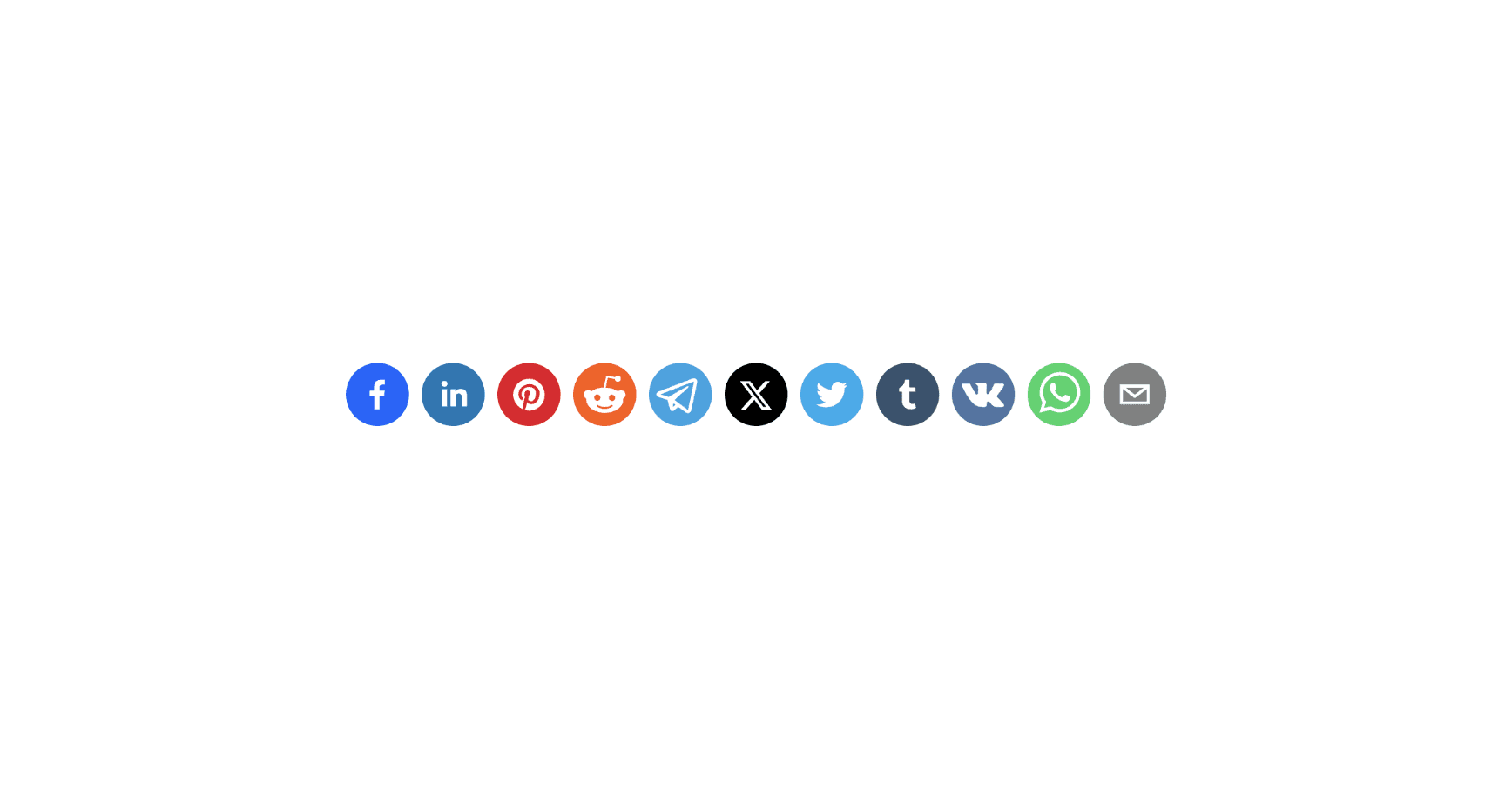

The Social Media Share Buttons component in Framer allows visitors to share your page directly on platforms like Twitter, LinkedIn, Instagram, Facebook, Pinterest, WhatsApp, and Reddit.
It is a quick and effective way to increase visibility for your pages, articles, or projects by making it effortless for users to share your content.
Why Use It
Social sharing is one of the simplest ways to grow reach and engagement. By adding share buttons to your site, you make it easy for users to promote your content on their social media channels, helping you attract more visitors organically.
How to Use the Social Media Share Buttons
Follow these steps to add and configure the Social Media Share Buttons in your Framer project.
Add the Component
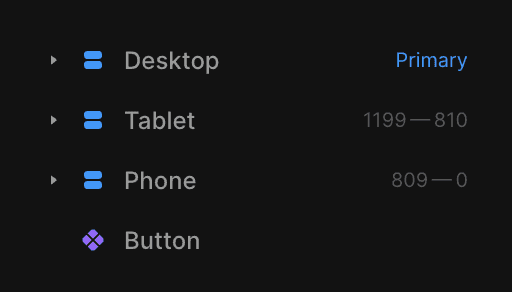
Drag and drop the Social Share Buttons component from the component list onto your canvas.Select the ButtonChoose the button element that will serve as the clickable share trigger. Make sure this button is placed outside the Desktop, Tablet, and Mobile breakpoints.
Choose the Social Media Platform
From the settings, select which platform you want users to share to. Available options include Facebook, Twitter, LinkedIn, WhatsApp, Pinterest, Email, and Reddit.Add a Custom MessageWrite the text or message that will accompany the shared link when users share the page. This message will appear alongside the link on most platforms.
The Result
Once configured, the Social Media Share Buttons component automatically creates ready-to-use share links. Page visitors can instantly share the current page across multiple platforms, improving your content’s reach with minimal effort.
This component is perfect for blogs, portfolio sites, and landing pages where engagement and shareability matter.
Don't forget to share this post!