Remix Project
Preview
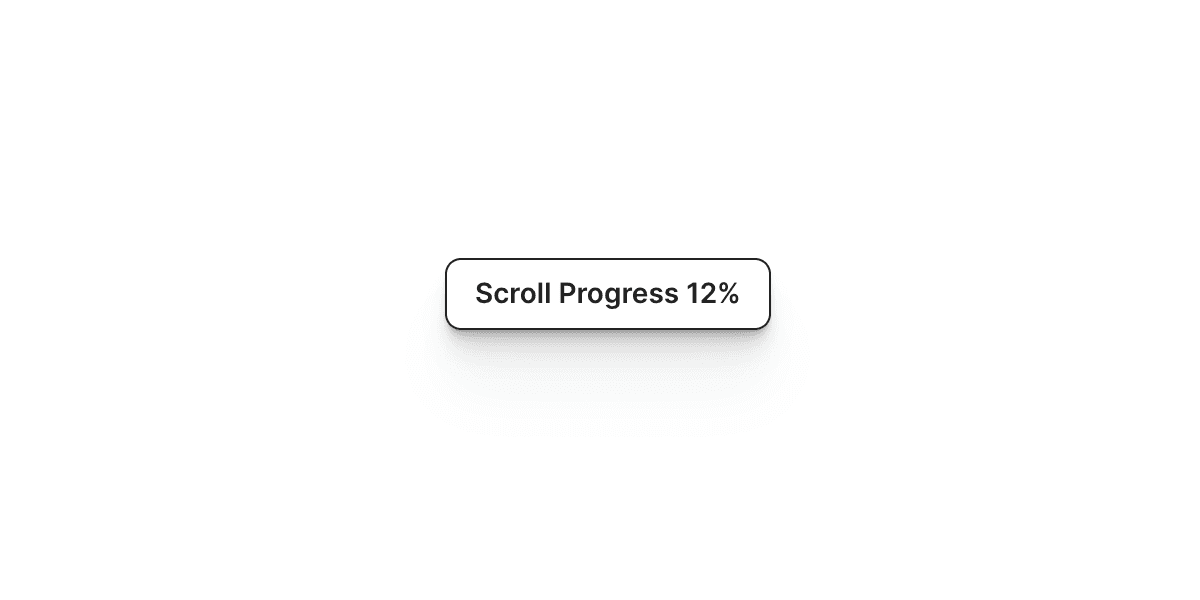

The Scroll Progress Percentage component in Framer displays how far a user has scrolled on the current page. It provides a clear and dynamic way to show reading progress or page depth, often used in long-form content, blogs, or case studies.
Why Use It
Scroll progress indicators help users understand their position on a page. This improves navigation and engagement, especially on longer pages where users might lose track of how far they have scrolled. It also adds a polished and interactive touch to your layout.
How to Use the Scroll Progress Percentage Component
Follow these steps to set it up in your Framer project:
Add the Component
Drag and drop the Scroll Progress Percentage component from the component list onto your canvas.
Select the Display Element
Choose the component on your canvas where you want to display the progress percentage.
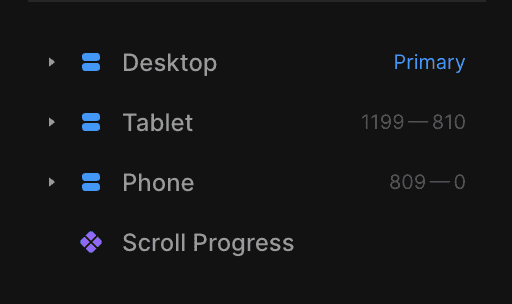
This element should be placed outside the Desktop, Tablet, and Mobile breakpoints and include a Title property.
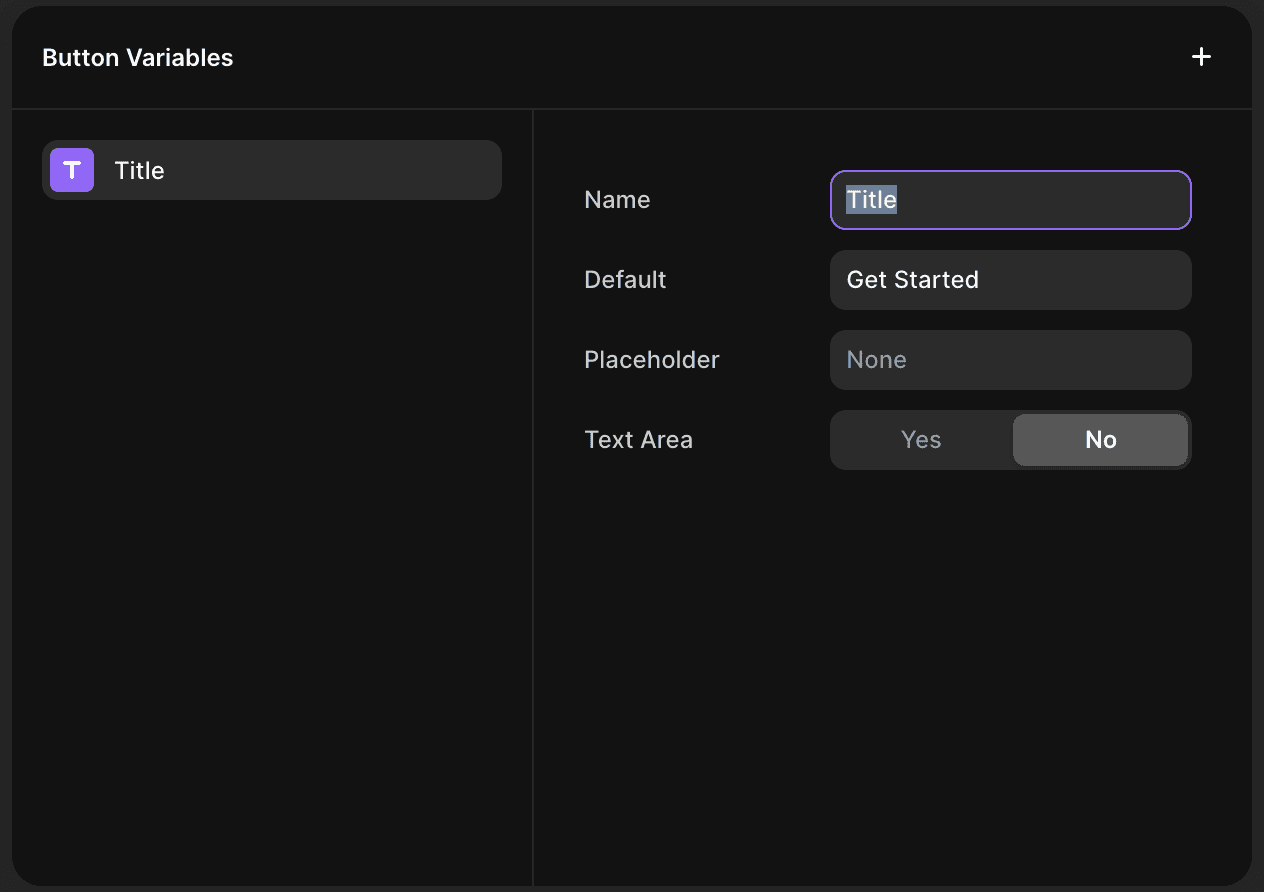
Configure the Properties
Fraction Digits: Define how many decimal places to show in the percentage value.
Prefix: Add any text or symbols you want to appear before the percentage (for example, “Scroll:” or “Read”).
Suffix: Add any text or symbols to appear after the value (for example, “%” or “complete”).
Transition: Select the animation style for the progress updates from the available Framer transitions.
The Result
Once everything is configured, the Scroll Progress Percentage component will automatically track and display the user’s scroll progress as they move through the page. The value updates in real time, providing a smooth and informative visual cue for readers.
This feature is a great addition for content-heavy pages, blog posts, or case studies where maintaining user engagement and readability is key.
Don't forget to share this post!