Remix Project
Preview


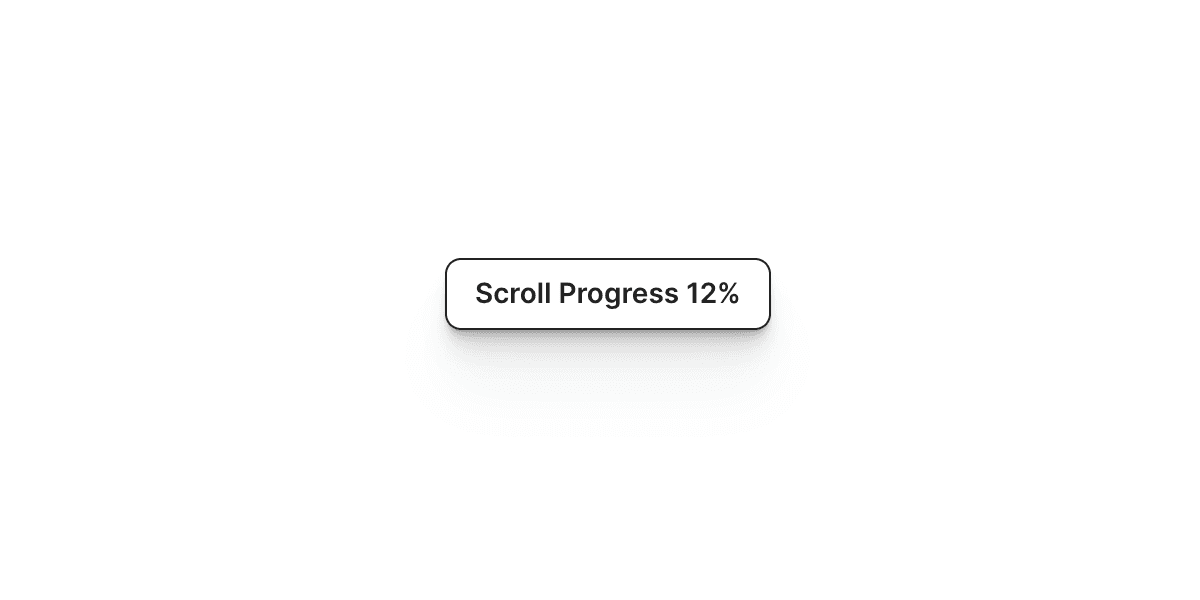
The Stop Scroll component in Framer allows you to temporarily disable page scrolling. This is useful when showing a preloader, running an animation, or preventing users from interacting with the page during transitions or important events.
Why Use It
Sometimes, you need users to stay focused on a specific part of the page, for example, during a loading sequence or a custom intro animation. The Stop Scroll component gives you full control over scrolling behavior, helping you manage when and how visitors can interact with your site.
How to Use the Stop Scroll Component
Follow these steps to add and configure it in your Framer project:
Add the Component
Drag and drop the Stop Scroll component from the component list onto your canvas.Set the Duration
In the settings panel, define how long scrolling should be disabled. The Duration value is measured in seconds.
The Result
Once configured, the Stop Scroll component will lock page scrolling for the time you set. It is simple, effective, and perfect for scenarios where you want to hold user attention or block interactions while something important happens on screen.
Don't forget to share this post!