Remix Project
Preview
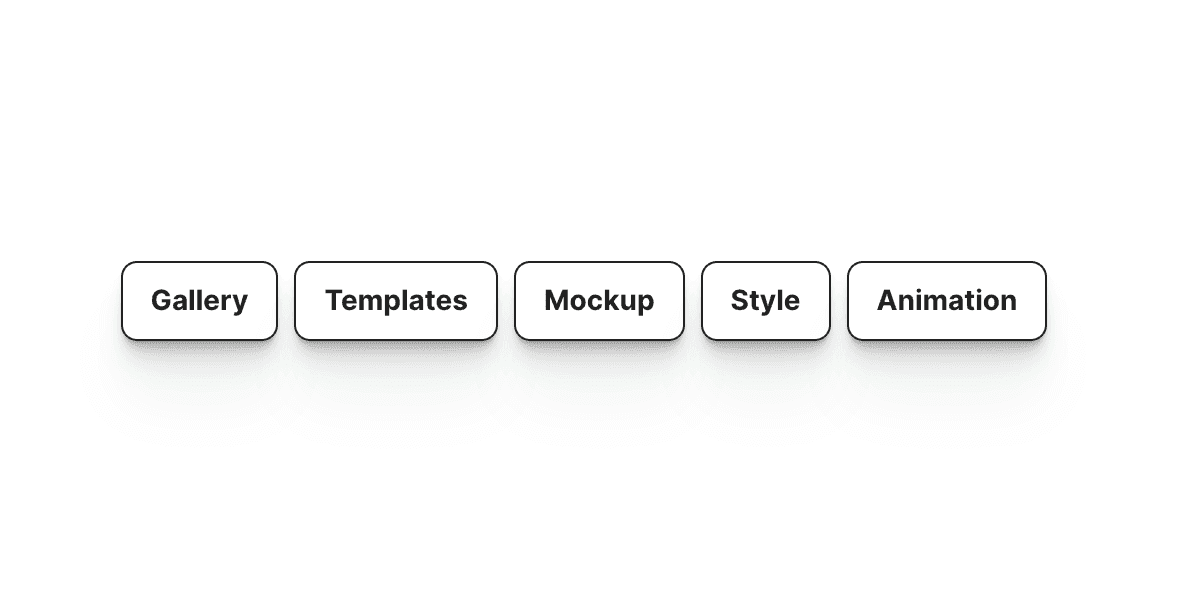

The Dynamic Tag component in Framer allows you to display a list of tags based on text input. It is useful for showing categories, highlighting keywords, or displaying topics dynamically across your site.
Why Use It
Tags help organize and highlight important information on a website. Whether you are building a blog, portfolio, or CMS collection, tags improve navigation and help users quickly identify related content. The Dynamic Tag component automates this process so you don’t have to manually create each tag.
How to Use the Dynamic Tag Component
Follow these steps to add and configure the component in your Framer project:
Add the Component
Drag and drop the Tags component from the component list onto your canvas.Select the Display Element
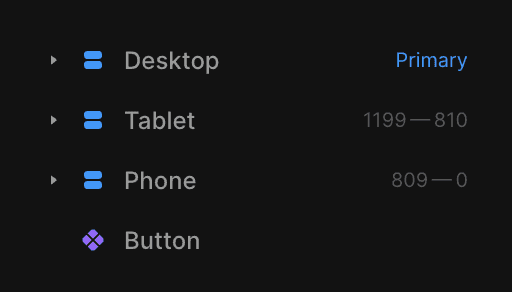
Choose the element where you want the list of tags to appear. Make sure the element is placed outside the Desktop, Tablet, and Mobile breakpoints and has a Title property assigned.
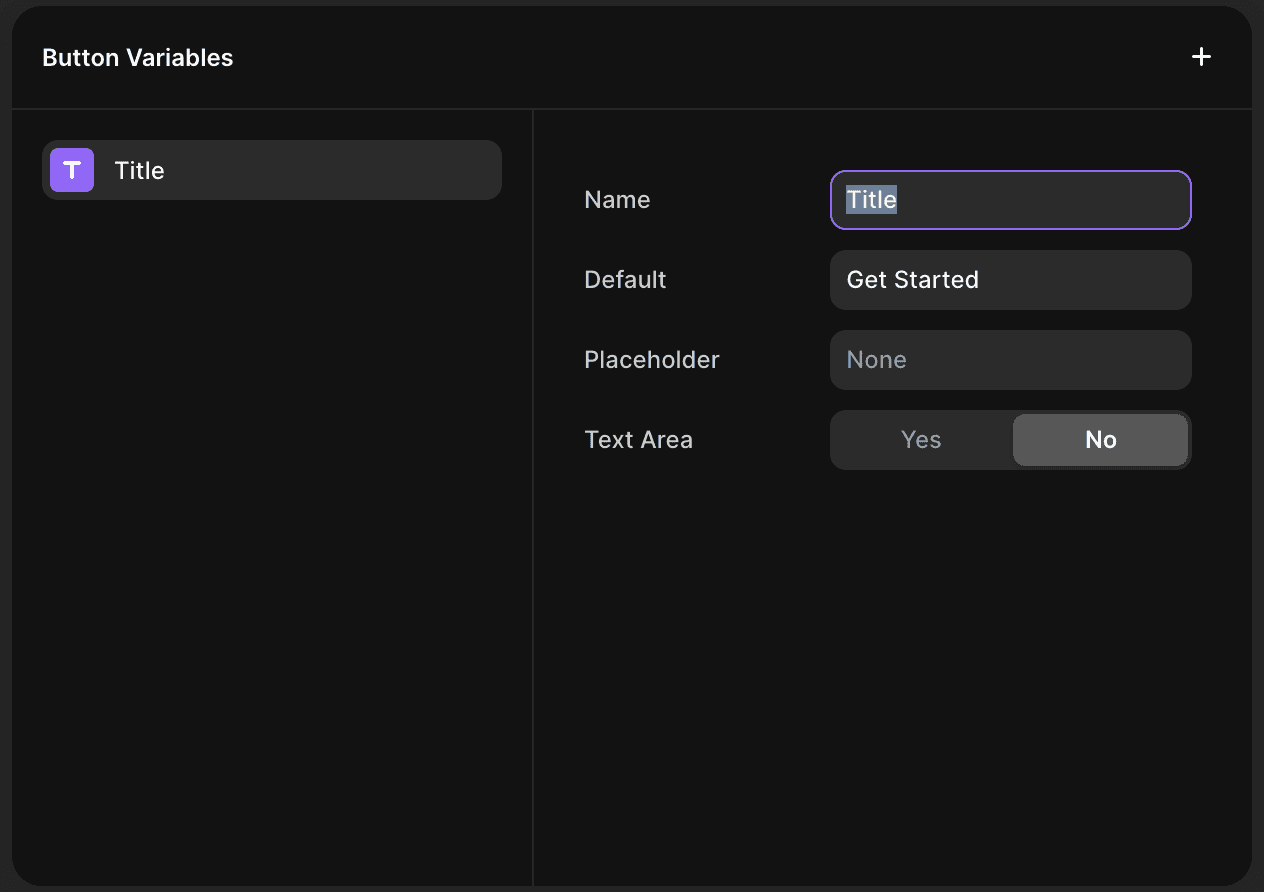
Configure the Text Input
In the Text field, enter the content you want to split into individual tags.Set the Split Character
Use the Split property to define how the content should be divided. You can separate tags using a comma, a space, or any custom character.Adjust the Layout
Gap: Control the spacing between each tag.
Direction: Choose to display tags horizontally or vertically.
The Result
Once you are done, the Dynamic Tag component automatically generates and displays tags from your text input. Each tag adapts to your styling and layout preferences, creating a clean and organized look for your project.
This Framer component is perfect for category lists, blog metadata, keyword sections, or any layout where flexible tag presentation adds clarity and structure.
Don't forget to share this post!