Remix Project
Preview
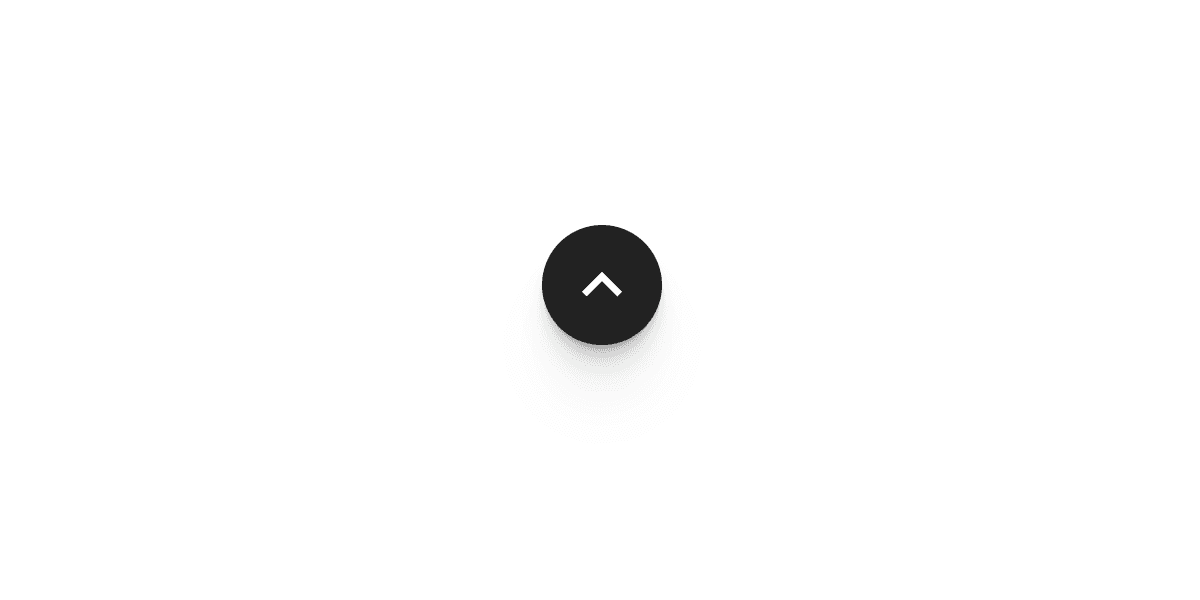

The Scroll to Top Button component in Framer allows you to add a button that smoothly scrolls the page back to the top when clicked. It is a simple but effective feature for improving navigation and user experience on longer pages.
Why Use It
When a page contains a lot of content, visitors often have to scroll manually to return to the top. The Scroll to Top Button makes this action quick and seamless. It improves usability, keeps navigation intuitive, and helps users move through your site with ease.
How to Use the Scroll to Top Button Component
Follow these steps to add and configure the component in your Framer project:
Add the Component
Drag and drop the Scroll to Top component from the component list onto your canvas.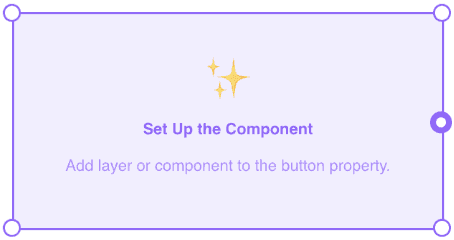
Select the Button Element
Choose the button on your canvas that will trigger the scroll action.
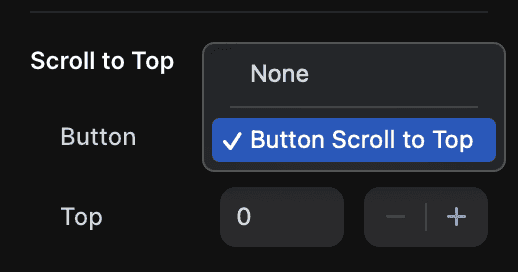
Make sure the button is placed outside the Desktop, Tablet, and Phone breakpoints.
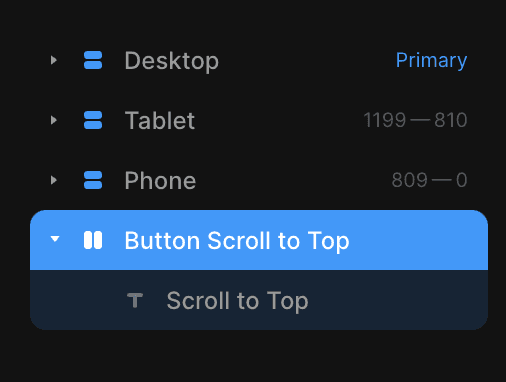
Configure the Properties
Top: Enter the number of pixels from the top of the page where you want the scroll to stop. For example, enter
0if you want the page to scroll all the way to the top.Behavior: Choose whether the scroll should happen instantly or with a smooth animation.
The Result
Once you're done, the Scroll to Top Button will bring users back to the top of the page with a single click. It is a lightweight, polished feature that enhances user experience and keeps your pages feeling smooth and responsive.
Don't forget to share this post!