Remix Project
Preview
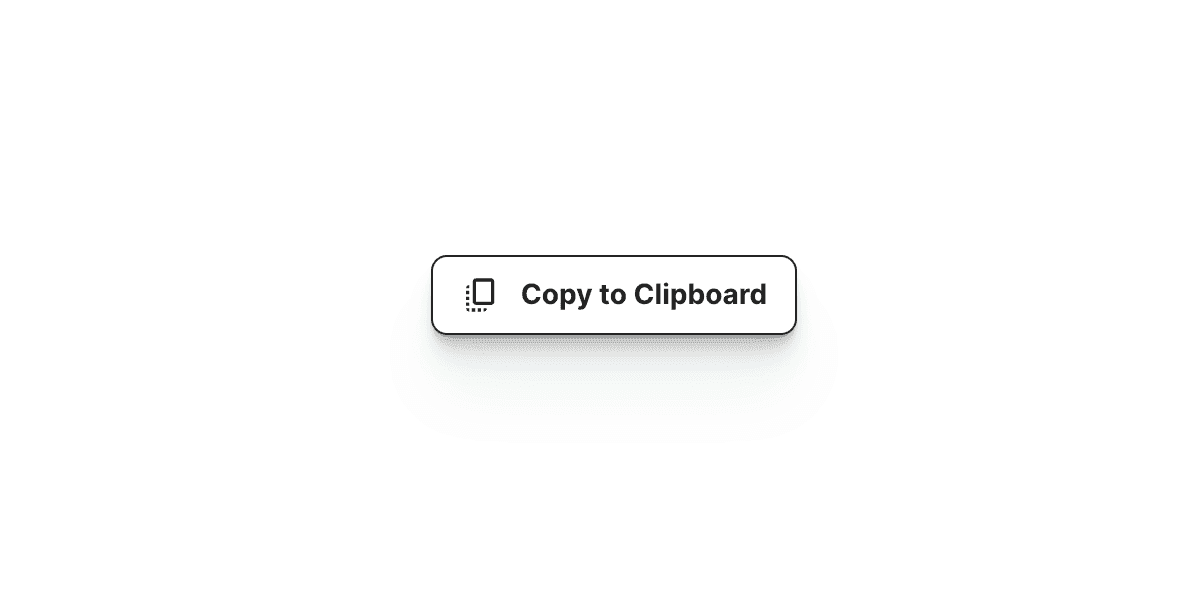

The Copy to Clipboard component in Framer allows users to copy text to their clipboard with a single click. It is ideal for sharing code snippets, URLs, or any piece of text that needs to be quickly copied and reused elsewhere.
Why Use It
This component improves usability and reduces friction for your users. Whether you are sharing a snippet of code, a link, or a short message, it allows visitors to copy information instantly without needing to select and copy manually.
How to Use the Copy to Clipboard Component
Follow these steps to add and configure the component in your Framer project.
Add the Component
Drag and drop the Copy to Clipboard component from the component list onto your canvas.Select the Button
Choose the button that will trigger the copy action. Make sure this button is placed outside the Desktop, Tablet, and Mobile breakpoints.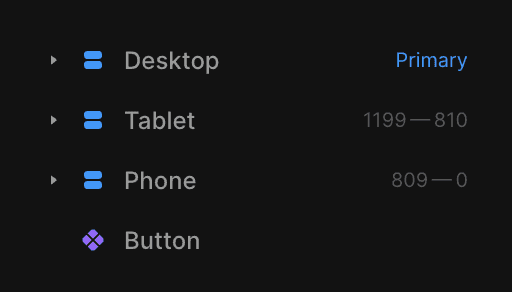
Set the Text to Copy
In the component settings, enter the text or content that users will copy to their clipboard when they click the button.
The Result
Once set up, the Copy to Clipboard component provides a simple and intuitive way for users to copy text with one click. It is perfect for documentation pages, tutorials, pricing sections, or any part of your website where quick copying improves user experience.
Don't forget to share this post!