
Adding FAQ schema to your Framer website is an easy way to help search engines understand your content and improve how your site appears in search results. With FAQ schema, your frequently asked questions can appear directly in Google search, making your pages more engaging and helpful for visitors.
What Is FAQ Schema
FAQ schema is a structured format that tells search engines which parts of your content are questions and which parts are answers.
When done correctly, Google can show these FAQs directly under your search listing as rich snippets. This gives users quick answers and often increases your click through rate.
Adding FAQ Schema to Framer
Step 1: Set Up Your FAQs in the CMS
Start by creating new text fields in your Framer CMS for your questions and answers.
For example:
FAQ Question 1
FAQ Answer 1
You can add as many question and answer pairs as you want. Just make sure they are in plain text format.
Step 2: Add the Code
Next, you will insert your structured data code into the custom code section of your Framer project. To format CMS fields into JSON, use this syntax:
{{FAQ Question 1 | json}}
For more detailed information about this syntax, you can refer to Structured Data using JSON-LD for SEO.
Here’s a basic structure you can follow:
Repeat this pattern for each question and answer you have.
Step 3: Verify Your Schema
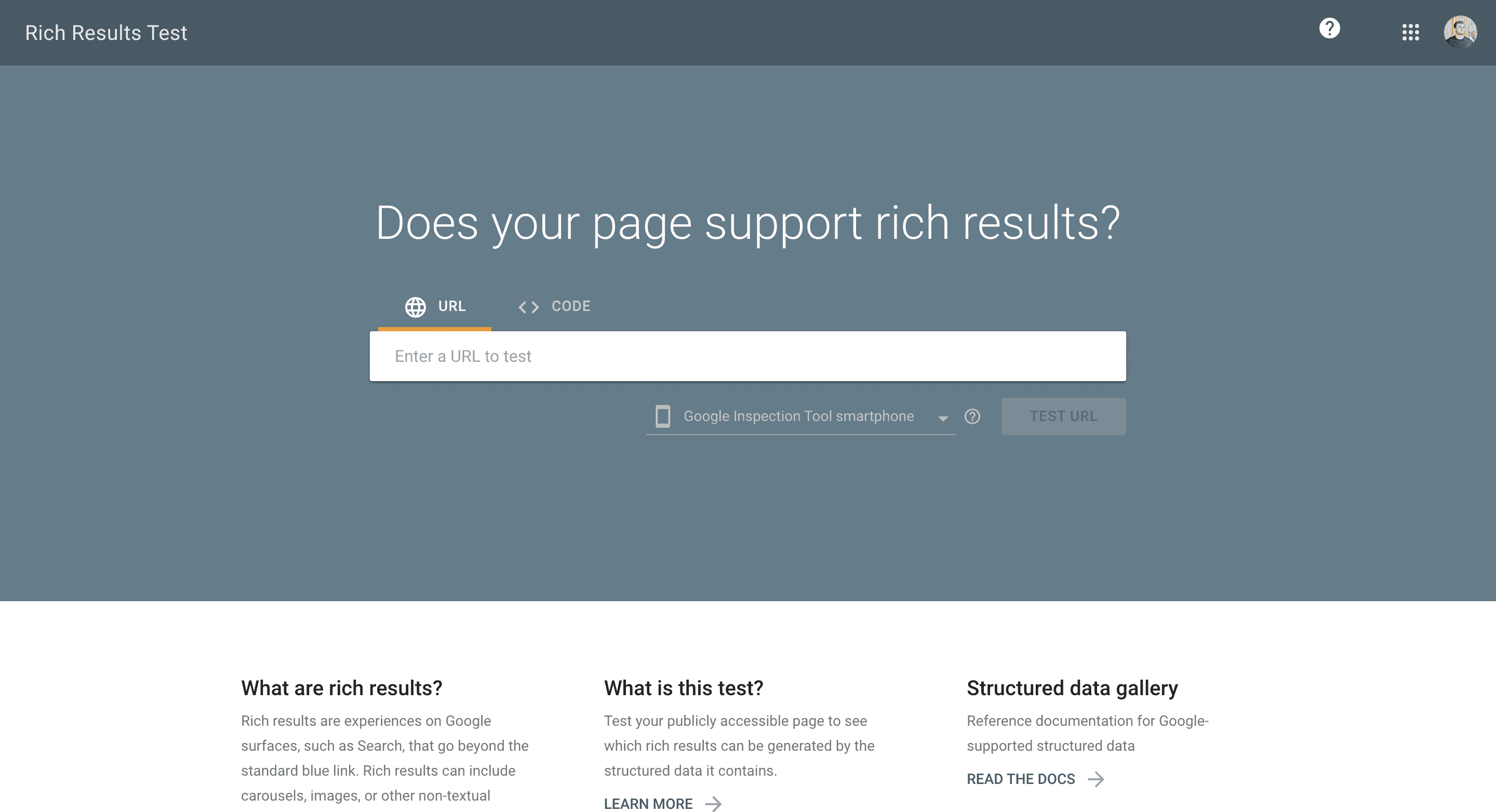
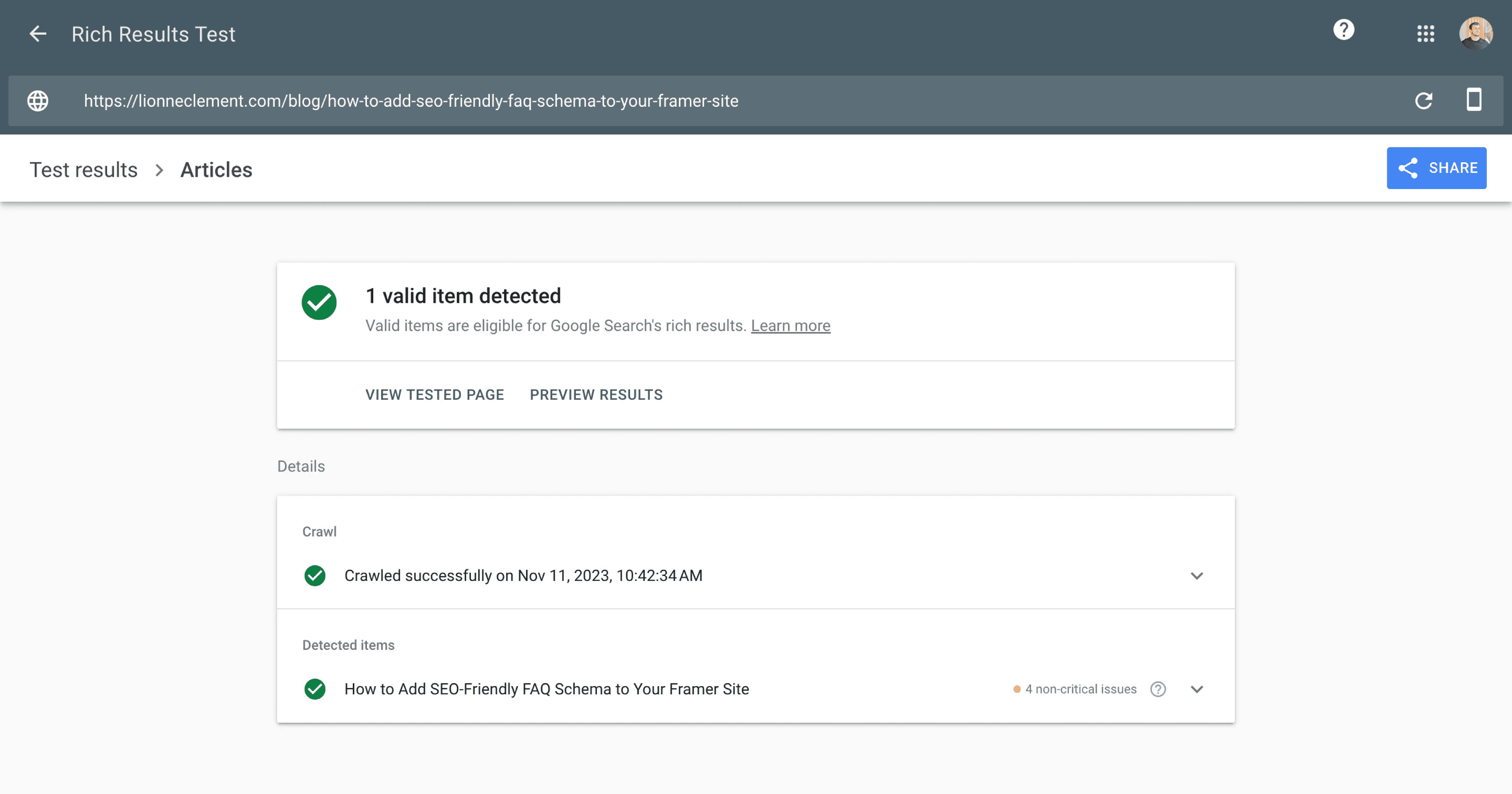
After adding your code, you can test it using Google's Rich Results Test. Visit search.google.com/test/rich-results, paste your page URL, and check if your schema is working correctly.
If Google can read your FAQ data, you are all set.
Important Tip
Make sure you have the same number of questions and answers in your setup. If there is a mismatch, your schema will not validate properly.
Don't forget to share this post!