Remix Project
Preview
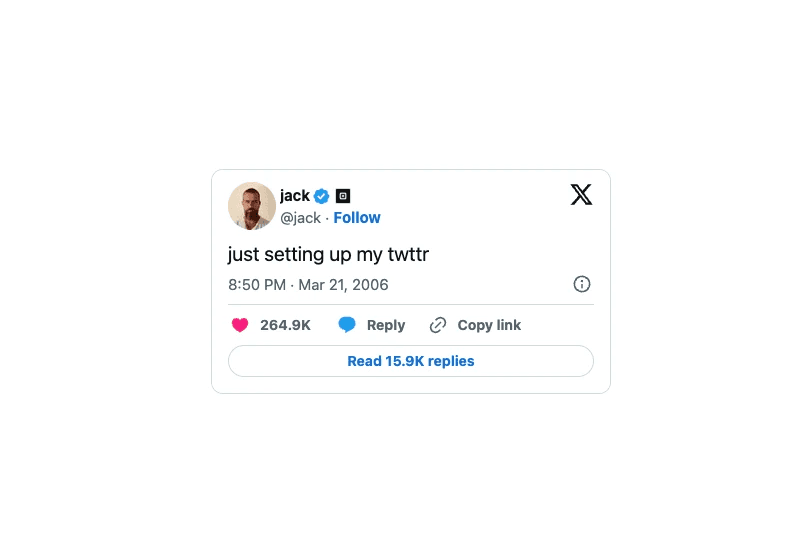

The Framer Embed X (Twitter) Timeline or Tweet Component lets you embed your X timeline or a specific tweet directly into your project. It is a simple way to showcase your latest posts, updates, or highlights without leaving the site.
How to Use the Framer Tweet Component
Add the Component
Drag and drop the Tweet component from the component list onto your canvas.Choose the Type
Decide what you want to show:Timeline: displays your recent tweets
Tweet: displays one specific tweet
Configure the Settings
If you choose Tweet, enter the Tweet ID of the post you want to display.
If you choose Timeline, add your X username and set the number of tweets you want to show.
The Result
Once set up, your X content will appear directly on your website. It updates automatically and blends smoothly into your Framer layout.
This is a great way to keep your visitors connected with your social content without sending them off your site.
Don't forget to share this post!