
If you want to understand how people use your website and improve its performance, adding Google Analytics is the first step. In this guide, I’ll walk you through how to connect Google Analytics to your Framer site in just a few minutes.
Quick Google Analytics Setup Guide
Follow these steps to set up Google Analytics in Framer:
Create Your Analytics Account
Go to analytics.google.com.
Sign up for a free Google Analytics account.
Follow the setup wizard to create your account.
Get Your Tracking Code
In Google Analytics, create a new property.
Find your Measurement ID in the property settings.
Copy the ID, because you’ll need it in the next step.
Connect Google Analytics to Framer
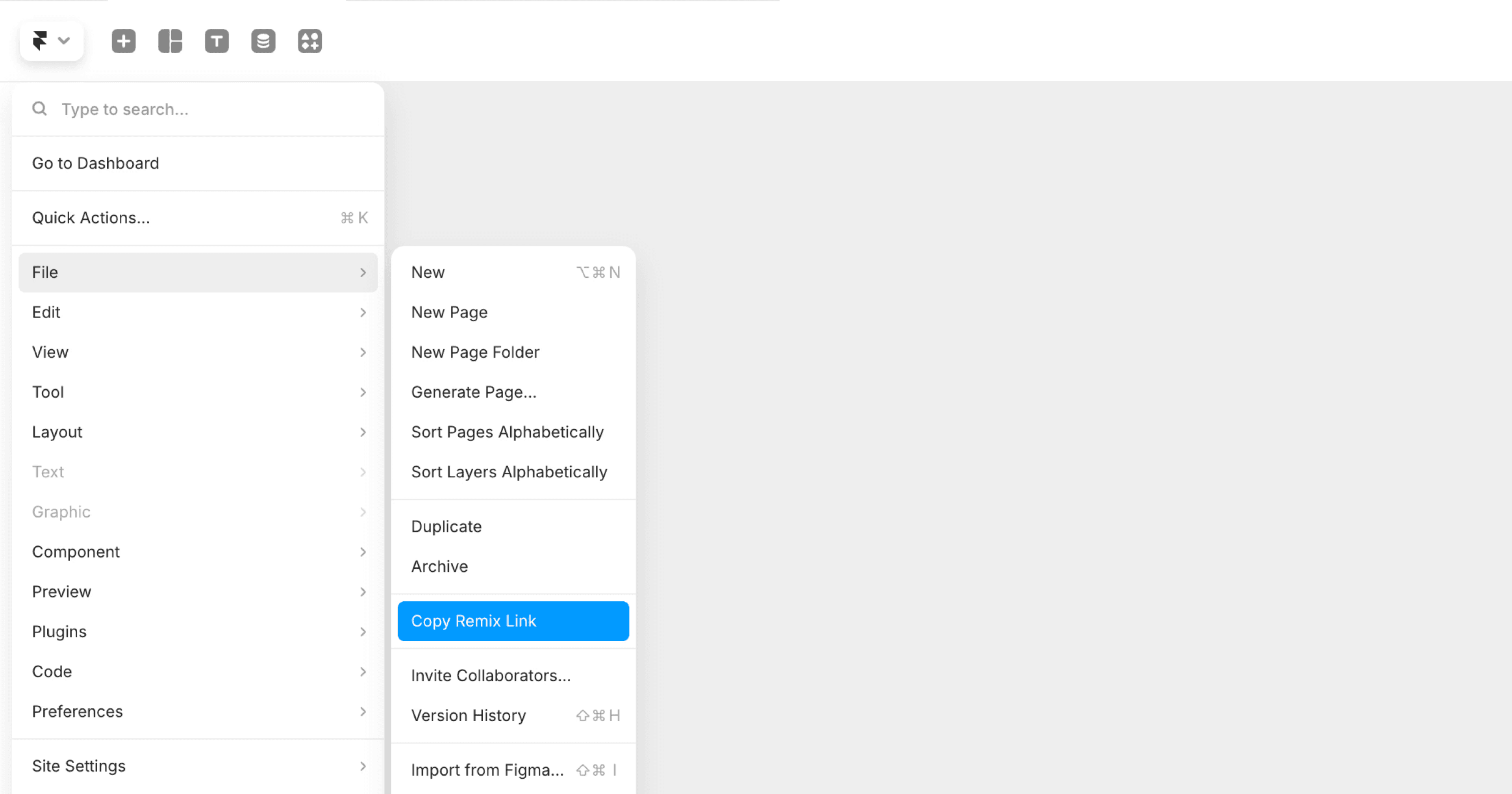
Open your Framer project.
Go to Site Settings.
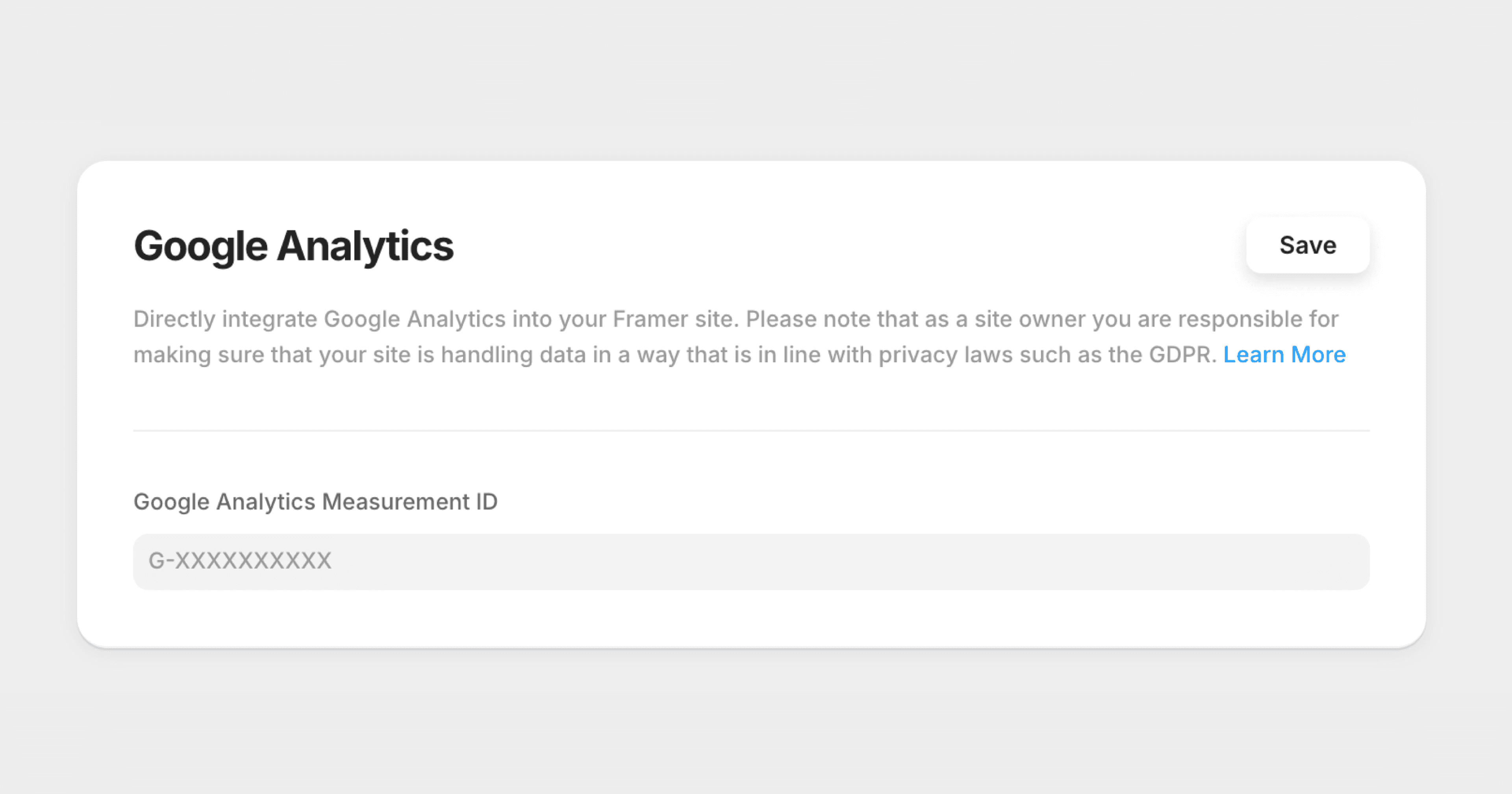
Find the Google Analytics field.
Paste your Measurement ID and click Save.
Verify the Connection
Publish your Framer site.
Visit your live website.
Check your Google Analytics to confirm that data is being collected.
Adding Other Analytics Tools
If you want to use another analytics platform, open your project settings and look for the Custom Code section. Paste your tracking code there, then save and publish your project.
Privacy Note
Google Analytics 4 helps protect user privacy by not storing IP addresses. Make sure you follow GDPR and other privacy regulations if you are tracking visitors from the EU.
FAQ
How do I find my Google Analytics Measurement ID?
Go to your Google Analytics account and click Admin. The Measurement ID will appear under your property settings.
How do I add custom tracking codes to my Framer project?
Open your Framer project, go to Site Settings, and find the Custom Code section. Paste your tracking code, then save and publish your changes.
How do I verify that Google Analytics is connected to my Framer site?
After publishing your Framer site, visit your website and check your Google Analytics dashboard. You should start seeing active users and page views in real time.
Don't forget to share this post!